Ubuntu开启RDP
Ubuntu RDP简介
RDP 是远程桌面协议,可让你在其他设备上图形化登录 Ubuntu 桌面。本文基于 Ubuntu 自带的远程登录功能进行配置,适合局域网或可信网络使用。
RDP配置
进入 Settings -> System -> Remote Desktop,开启远程桌面入口。
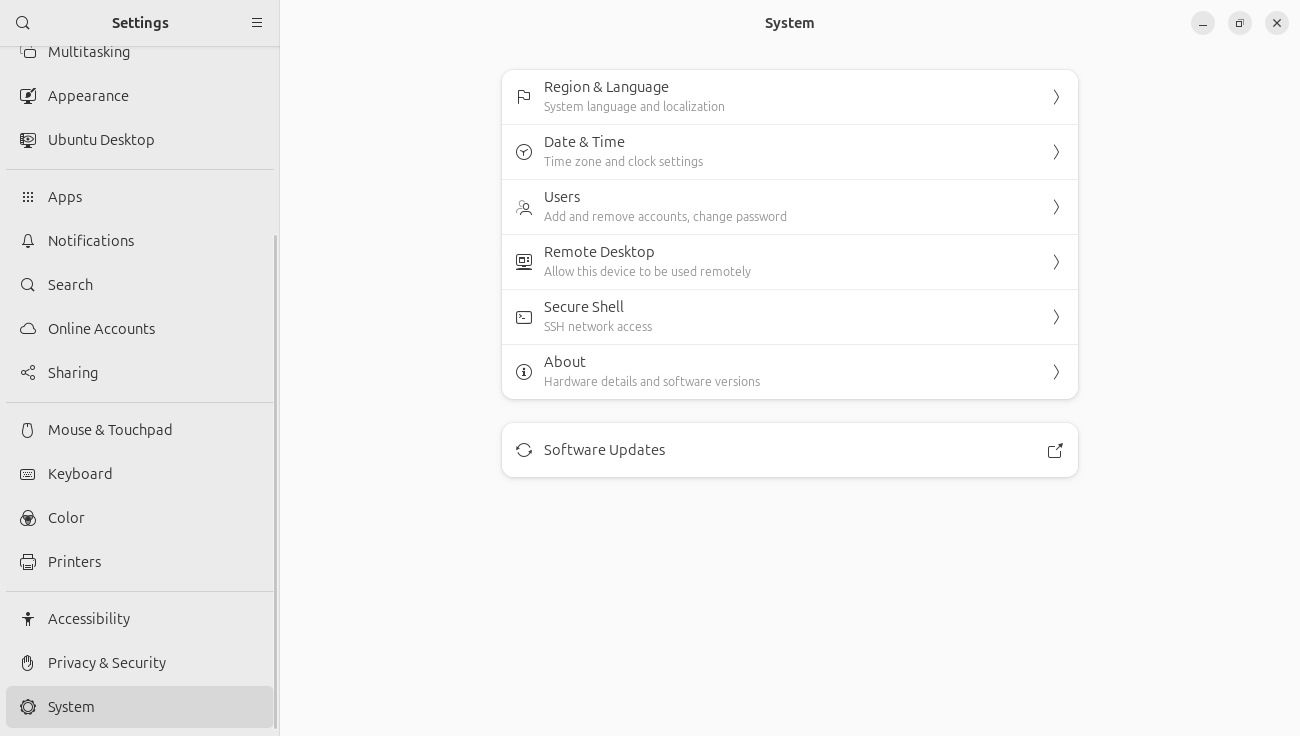
Remote Login配置
在 Remote Login 页面完成以下步骤。
-
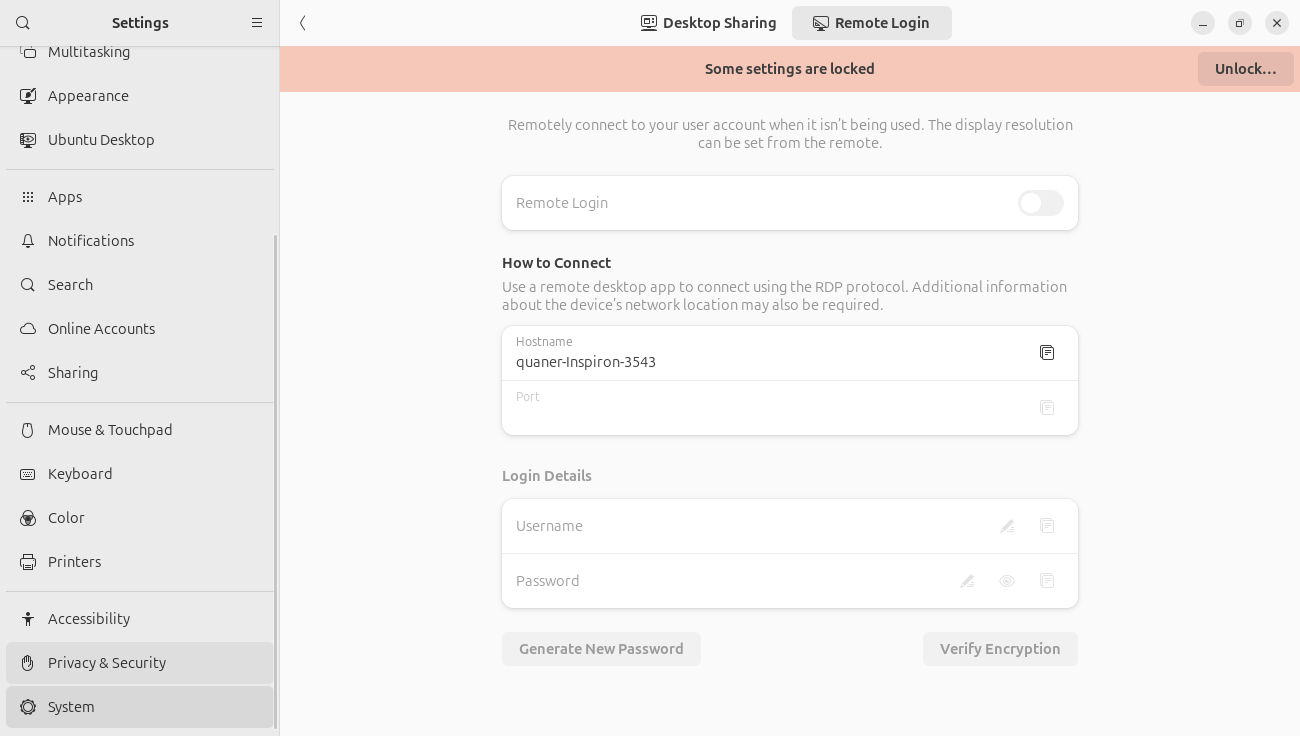
选择 Remote Login 选项。
-
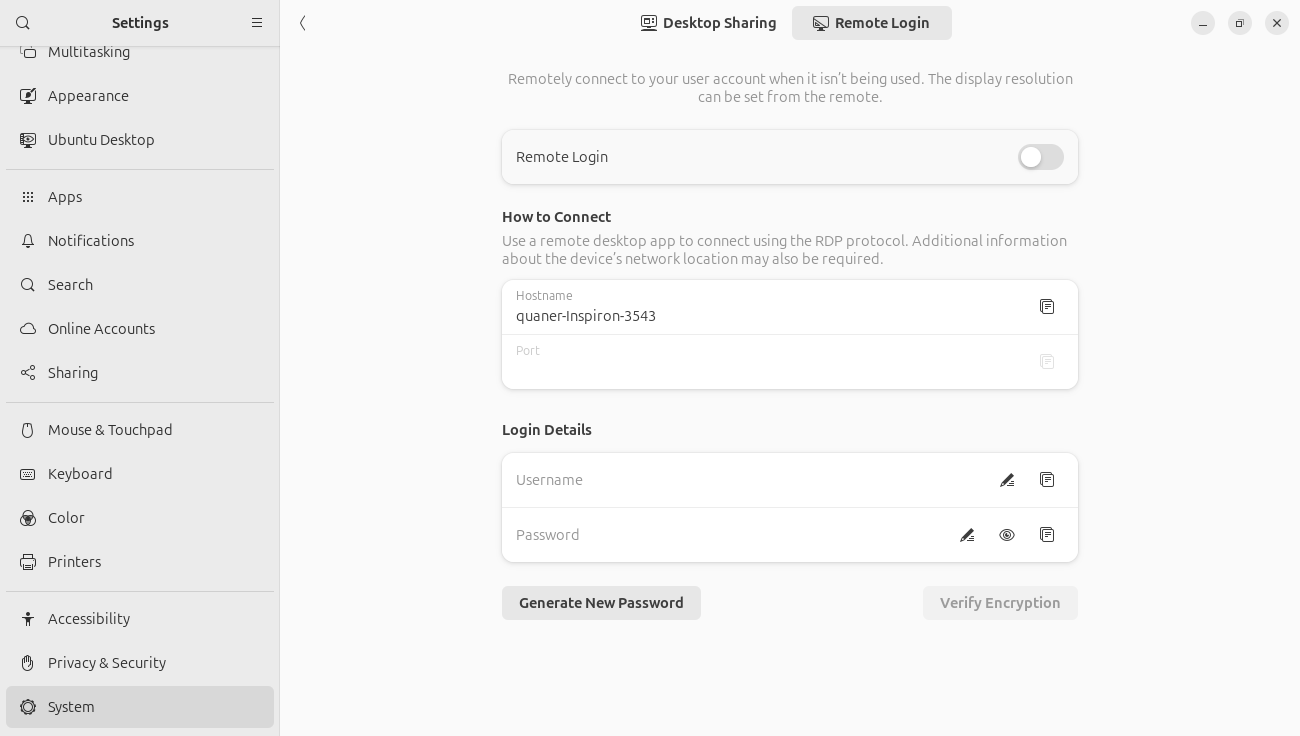
点击 Unlock,输入密码解锁配置权限。
-
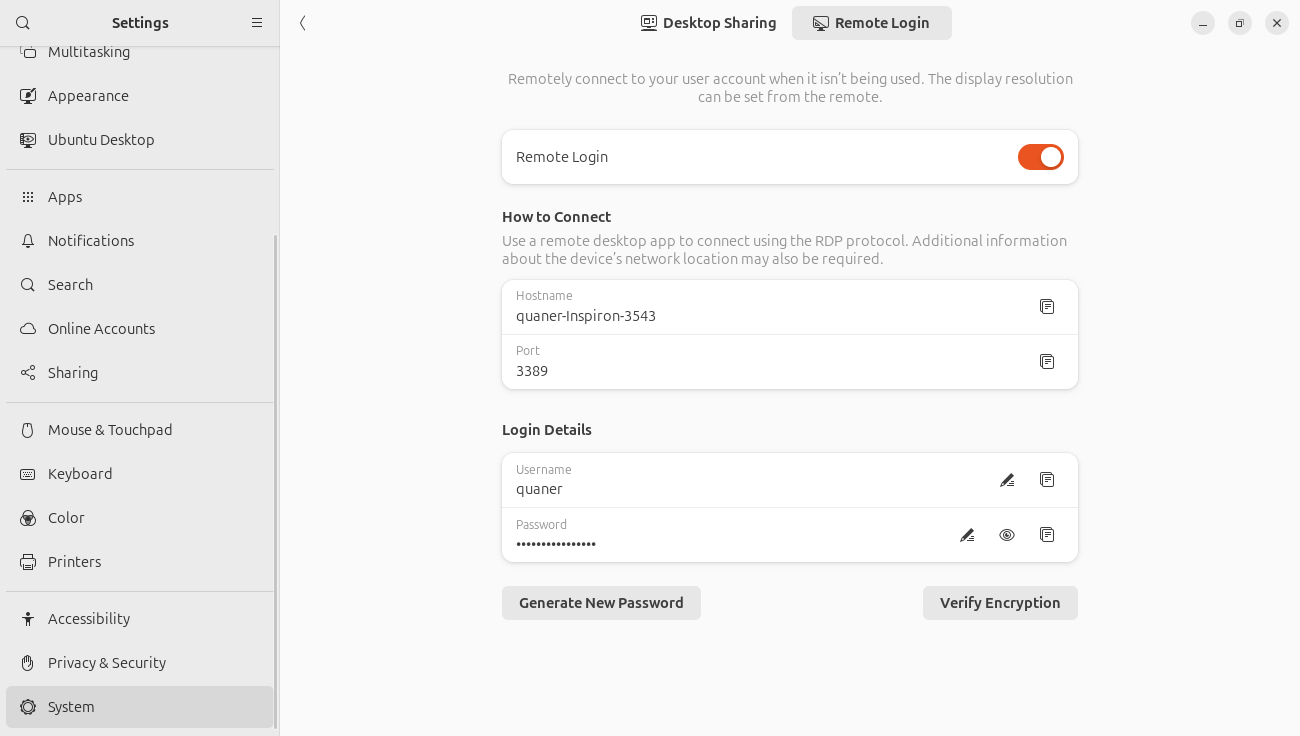
开启 Remote Login,并在 Login Details 中设置密码。
连接说明
在远程设备上使用 RDP 客户端连接 Ubuntu 的 IP 地址,账号为 Ubuntu 用户名, 密码为上一步设置的 Remote Login 密码。